
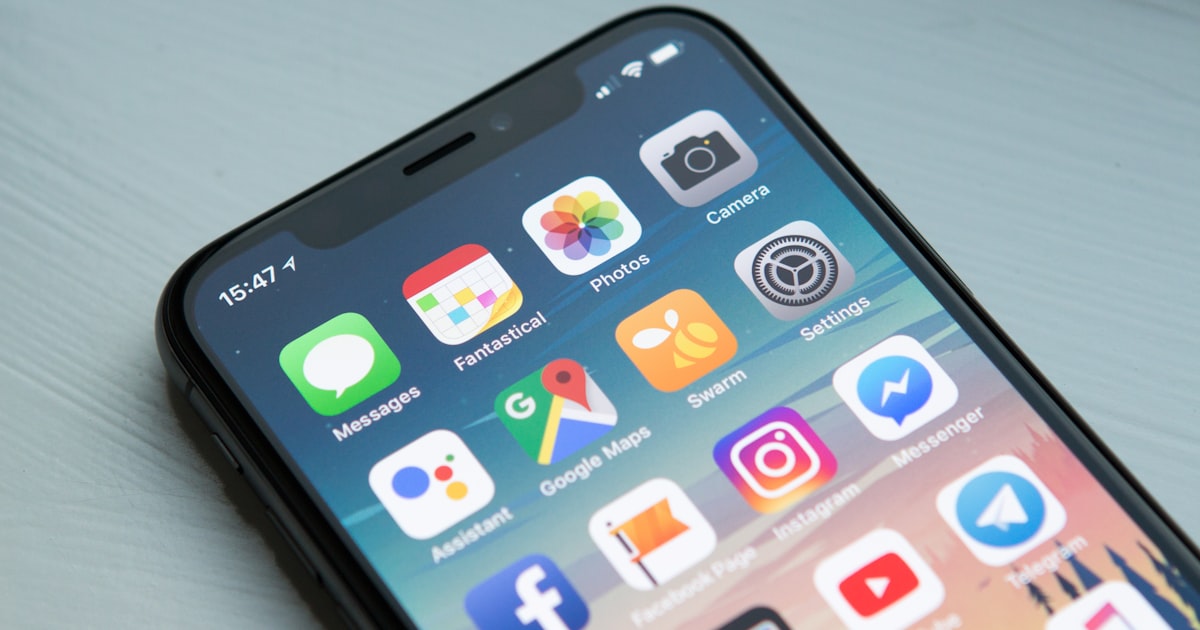

Short answer: App development is the process of designing, building, testing, and publishing software applications that run on smartphones, tablets, desktops, or the web. It covers everything from planning an idea and designing the UI to writing code, fixing bugs, and shipping the app to the Google Play Store or Apple App Store.
If you have ever tapped an icon on your phone to book a cab, order food, or check your bank balance, you have used the end result of app development. But what actually goes into building one of those apps? In this beginner-friendly guide we break down what app development means in 2026, the different types of apps, the technologies developers use, how the process works step by step, what it costs in India, and how you can get started.
What Does "App Development" Actually Mean?
App development (short for application development) is the discipline of creating software programs that solve a specific problem or deliver a specific service to users. An "app" can run in many places:
- Mobile apps that install on Android or iOS phones and tablets.
- Web apps that run inside a browser like Chrome or Safari with no installation required.
- Desktop apps for Windows, macOS, or Linux.
- Progressive Web Apps (PWAs) that behave like mobile apps but are delivered through the browser.
When most people say "app development" today, they usually mean mobile app development, because smartphones are now the primary way billions of people access the internet. India alone has over 750 million smartphone users, which is exactly why businesses invest heavily in apps.
Types of Apps You Can Build
1. Native Apps
Native apps are built specifically for one operating system using its official language and tools. Android native apps are written in Kotlin (or older Java) with Android Studio, while iOS native apps use Swift (or older Objective-C) with Xcode. Native apps deliver the best performance, smoothest animations, and full access to device features like the camera, GPS, sensors, and notifications.
2. Cross-Platform Apps
Cross-platform frameworks let you write one codebase that runs on both Android and iOS. The two dominant frameworks in 2026 are Flutter (Google, uses the Dart language) and React Native (Meta, uses JavaScript/TypeScript). These save time and money because you maintain a single project instead of two.
3. Hybrid Apps
Hybrid apps wrap a web application (HTML, CSS, JavaScript) inside a native container using tools like Ionic or Apache Cordova/Capacitor. They are cheap and quick to build but generally feel less smooth than native or modern cross-platform apps.
4. Web Apps and PWAs
Web apps run in the browser and require no download. A PWA adds an app-like experience with offline support and a home-screen icon. They are ideal when you want to reach users instantly without app-store friction.
App Types Compared at a Glance
| Type | Languages / Tools | Performance | Cost | Best For |
|---|---|---|---|---|
| Native | Kotlin, Swift | Excellent | High | Games, heavy apps, best UX |
| Cross-Platform | Flutter, React Native | Very good | Medium | Startups, most businesses |
| Hybrid | Ionic, Cordova, Capacitor | Fair | Low | Simple content apps, MVPs |
| Web App / PWA | HTML, CSS, JS, React | Good | Low-Medium | Instant reach, no install |
The App Development Process, Step by Step
Regardless of the technology, a professional app follows a clear lifecycle:
- 1. Idea and research: Define the problem, target users, and core features. Study competitors and validate demand.
- 2. Wireframing: Sketch the screens and user flow as low-fidelity blueprints before any design polish.
- 3. UI/UX design: Turn wireframes into a beautiful, intuitive interface using tools like Figma. Good design keeps users from abandoning the app.
- 4. Development: Programmers build the front end (what users see) and the back end (servers, databases, APIs that power the app).
- 5. Testing (QA): Every feature is tested for bugs, crashes, security issues, and performance across different devices and screen sizes.
- 6. Deployment: The app is published to the Google Play Store and Apple App Store, or deployed to a web server for web apps.
- 7. Maintenance: Apps need ongoing updates for new OS versions, bug fixes, security patches, and fresh features.
Front End vs Back End
Most apps have two sides. The front end is the visible interface running on the user's device. The back end runs on remote servers and handles logic, user accounts, payments, and data storage in databases like MySQL, PostgreSQL, or MongoDB. The two talk to each other through APIs (Application Programming Interfaces). A developer who can handle both is called a full-stack developer.
Real-World Examples of Apps
Understanding categories helps clarify what you might build:
- E-commerce apps like online stores that let users browse, pay, and track orders.
- On-demand apps for cabs, food delivery, and home services that connect users with providers in real time.
- Social and content apps for messaging, photos, and video.
- Utility apps such as calculators, note-takers, and scanners.
- Business apps like CRMs, booking systems, and internal dashboards.
- Fintech apps for payments, banking, and investing, which demand strong security.
Each category has different complexity, security needs, and cost, which is why a clear scope matters before development begins.
Skills and Tools App Developers Use
Behind every good app is a toolkit. Developers commonly rely on:
- Code editors and IDEs: Android Studio, Xcode, and VS Code.
- Design tools: Figma for UI/UX and prototyping.
- Version control: Git and GitHub to track and collaborate on code.
- Back-end and cloud: Firebase, Node.js, and databases like MySQL or MongoDB.
- APIs: to connect the app with payments, maps, notifications, and other services.
- Testing tools: emulators, real devices, and automated test frameworks.
You do not need to master everything at once, most developers specialise in the front end, the back end, or become full-stack over time.
Why App Security Matters
Apps often handle personal data, logins, and payments, so security is not optional. Developers should encrypt sensitive data, use secure authentication, validate all inputs, keep libraries updated, and follow platform security guidelines. At Cyber Defence, our security background (our founder is a Certified Ethical Hacker) means we build apps with data protection in mind from day one, an advantage many general developers overlook.
How Much Does App Development Cost in India?
Cost depends on complexity, number of screens, back-end requirements, and whether the app is native or cross-platform. As a rough 2026 guide in India:
- Simple apps (a few screens, basic features): ₹40,000 to ₹1,00,000
- Medium apps (login, payments, back end, admin panel): ₹1,00,000 to ₹4,00,000
- Complex apps (marketplaces, real-time features, large scale): ₹4,00,000 and above
A basic business website, by comparison, costs far less, typically ₹8,000 to ₹18,000, which is why many small businesses start with a website before investing in an app.
Does Your Business Need an App or a Website?
A website is essential for almost every business, it builds credibility and is found through Google search. An app makes sense when you need repeat engagement, push notifications, offline access, or deep device features. Many businesses run both, a website for discovery and an app for loyal customers.
How to Start Learning App Development
- Pick one path: Flutter is beginner-friendly and covers both platforms at once.
- Learn the fundamentals of programming logic first.
- Build small projects, a to-do app, a calculator, a weather app.
- Learn how APIs and databases work.
- Publish a real app to the Play Store to gain confidence and a portfolio piece.
If you want structured, hands-on guidance, explore the practical training options on our courses page. You can also read our deeper comparison in native vs hybrid vs cross-platform apps and our step-by-step guide to creating a mobile app.
Get Your App Built by Cyber Defence
Cyber Defence is a Hisar, Haryana based web and app development company and training institute, founded by Amit Kumar, a full-stack developer who also holds the CEH (Certified Ethical Hacker) and CRTA credentials. We build mobile apps in Flutter and native technologies from ₹40,000 to ₹4,00,000, and web apps starting at ₹1,00,000. We are ISO-certified and GeM-registered, we quote flat written pricing with no hidden charges, you get 100% code ownership, and your app is published in your own developer account. Learn more about our app development services in Hisar or our web development services. We also serve clients through our IT company in Delhi.
FAQ
What is app development in simple words?
App development is the process of building software applications that run on phones, tablets, computers, or the web, from planning the idea to designing, coding, testing, and publishing the finished app.
Which language is best for app development in 2026?
For native Android, Kotlin is best; for native iOS, Swift. For building both platforms with one codebase, Flutter (Dart) and React Native (JavaScript) are the most popular choices.
How long does it take to build an app?
A simple app can take 3 to 6 weeks, a medium app 2 to 4 months, and complex apps 6 months or more, depending on features, design, and back-end requirements.
Is app development hard to learn for beginners?
It takes consistent practice but is very learnable. Starting with a beginner-friendly framework like Flutter and building small projects makes the journey much easier.
How much does it cost to develop an app in India?
In 2026, simple apps cost around ₹40,000 to ₹1,00,000, medium apps ₹1,00,000 to ₹4,00,000, and complex apps ₹4,00,000 and above, depending on scope.
Can I get an app built with full code ownership?
Yes. At Cyber Defence you get 100% code ownership and the app is published in your own account, with flat written pricing agreed upfront.
Ready to build your app or start learning app development? Call Cyber Defence today at +91-75175-72000 for flat written pricing and honest guidance from founder Amit Kumar and team.